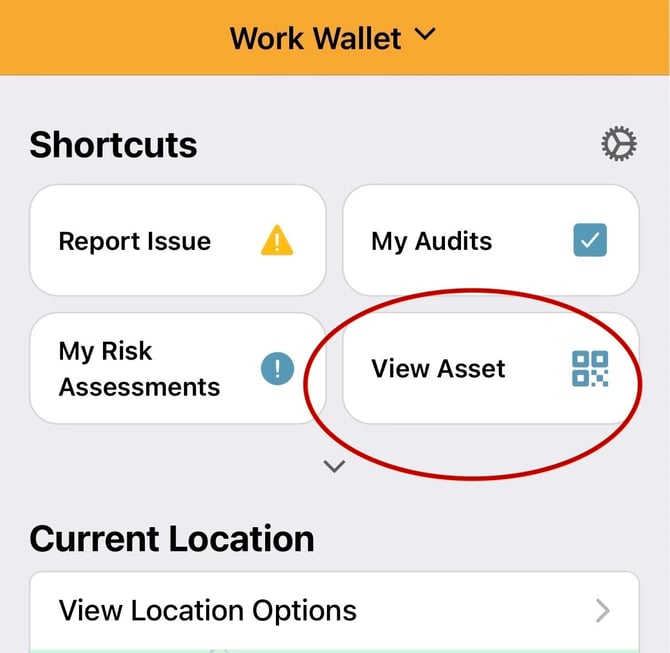
Firstly select “View Asset”
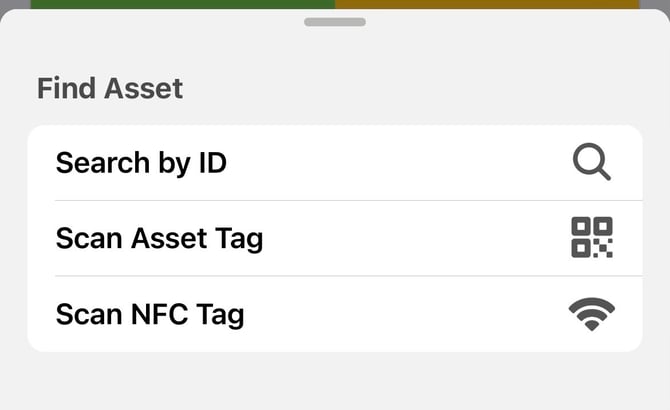
This will then bring up the type of options you wish to use to find your Asset. Select Scan Asset Tag or Scan NFC Tag
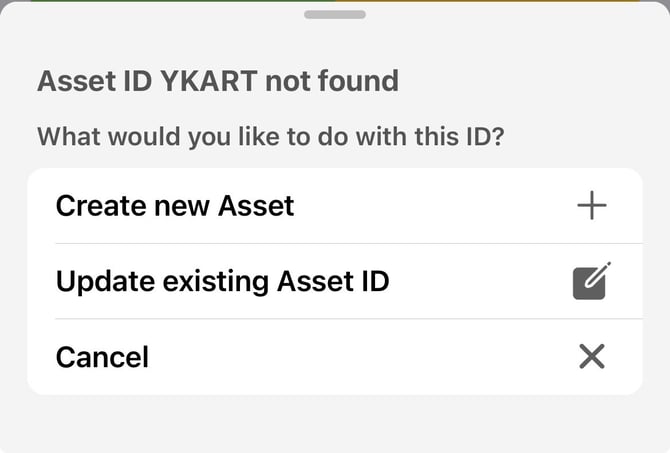
If you have not already enabled camera permissions, you will be prompted to allow access if you have selected Scan Asset Tag. Please accept this request so your device can use the camera to scan the QR code. You will then be prompted with the following options as the Asset does not already pre-exist within your register:
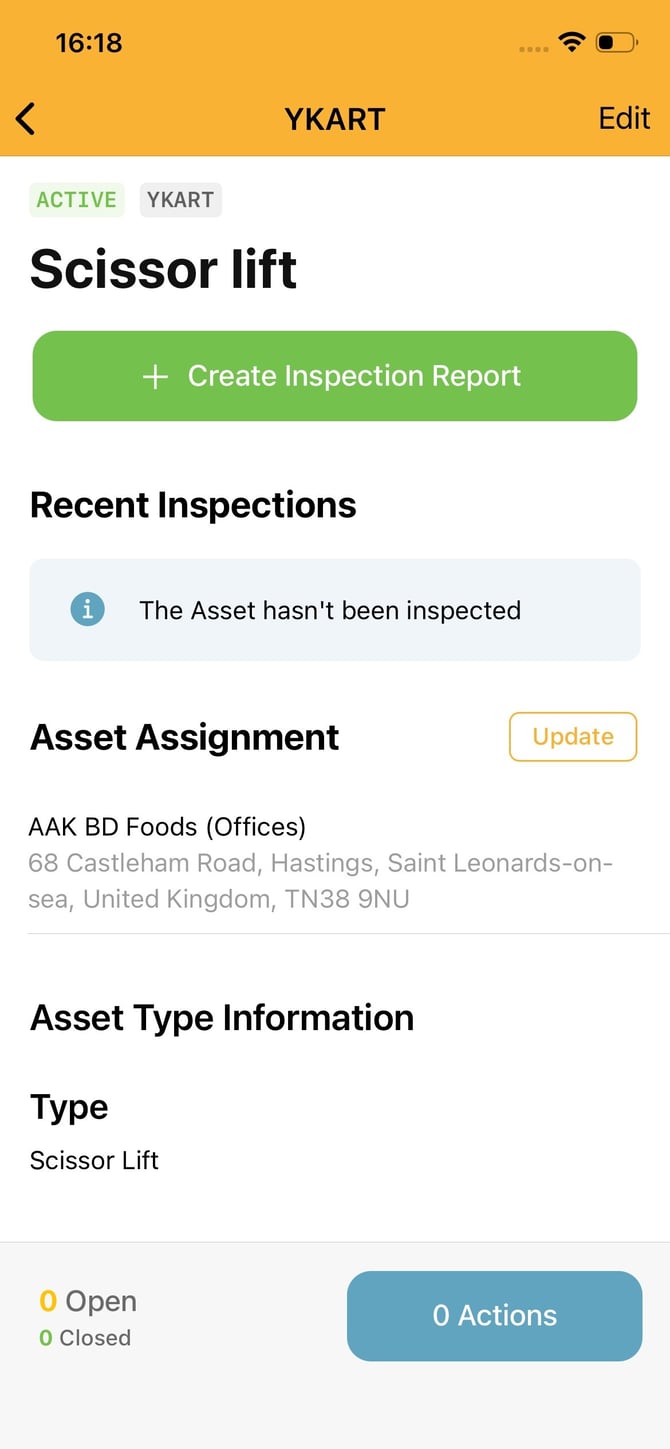
This will then require all mandated fields to be populated, this is indicated in the red text and the red exclamation point next to the field.
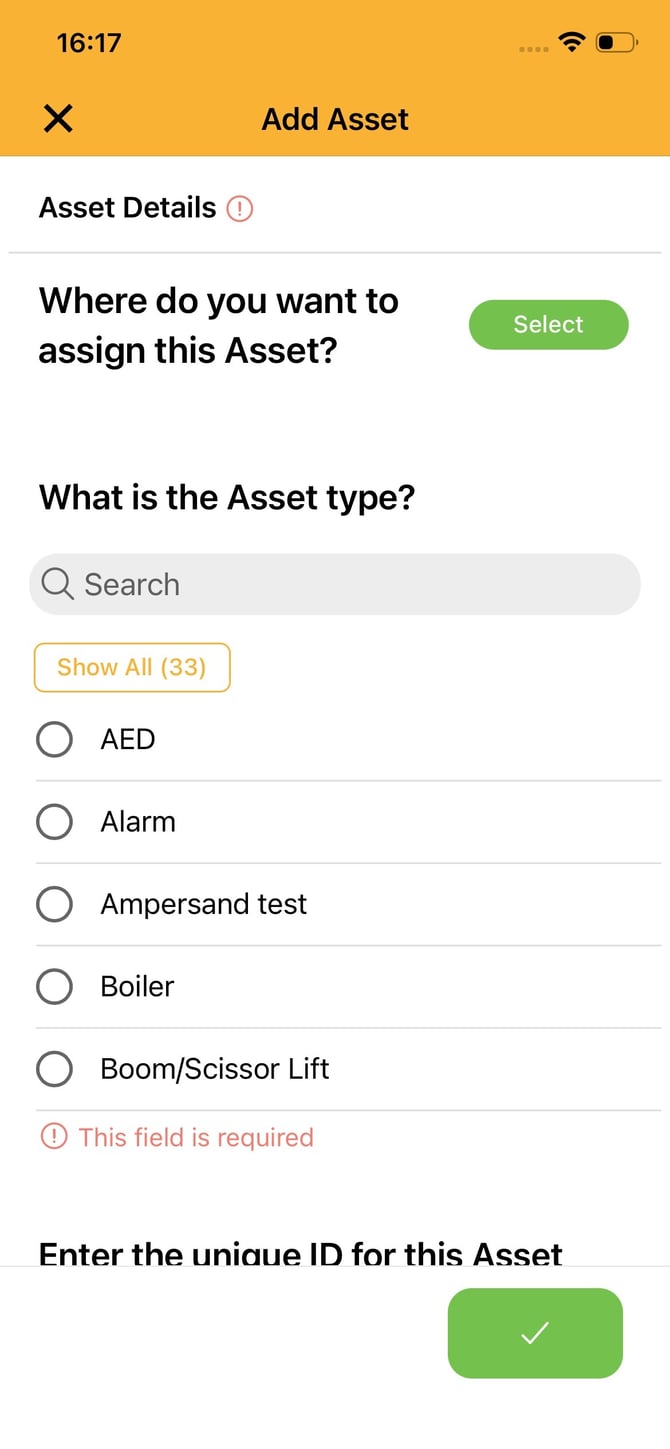
Once populated, you will submit the details and your app will confirm that your Asset has been set up.
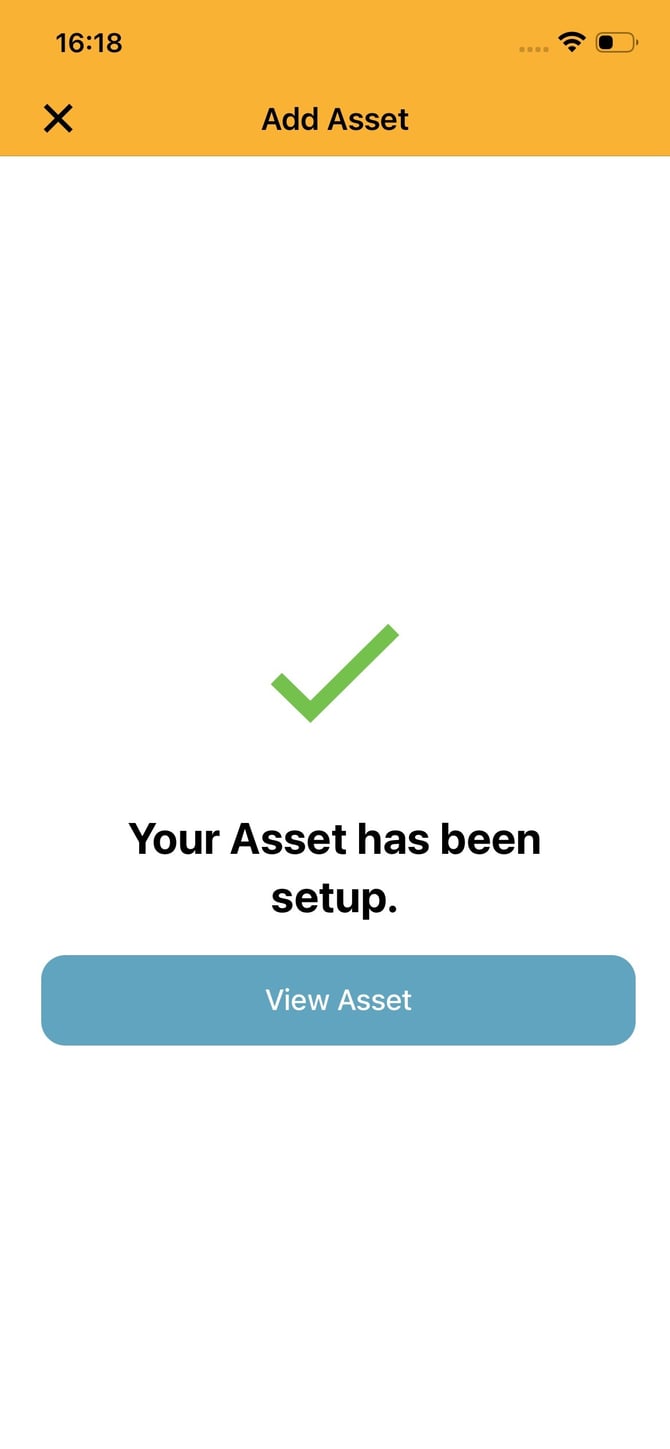
You will then be able to complete the appropriate inspection or edit any details.