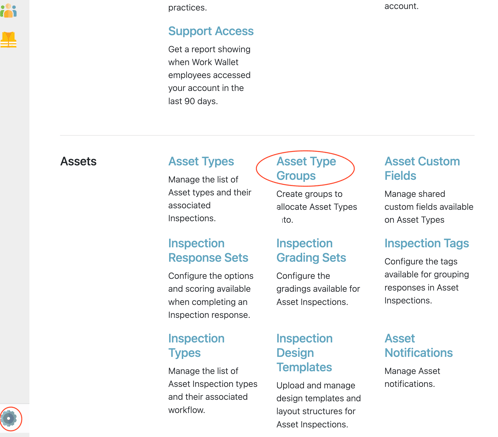
To create a new Asset Group, you will need Wallet Administrator access. This provides access to the Wallet Settings area, where Asset Groups can be found within the Assets section.
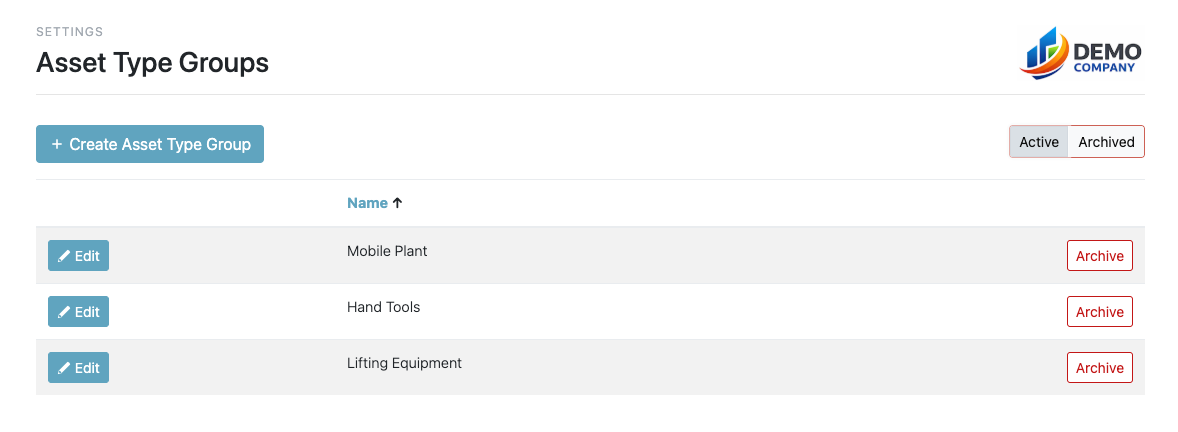
From here, you can create a new Asset Group.
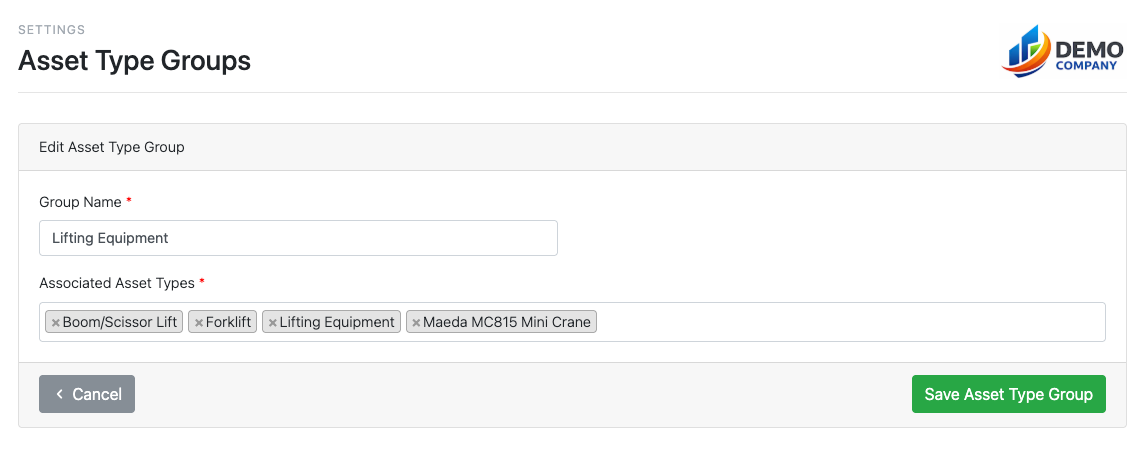
Once you have entered a name for the Asset Group, you can assign the relevant Asset Types into it. For example, Asset Types that belong to the same category can be grouped together within a single Asset Group.
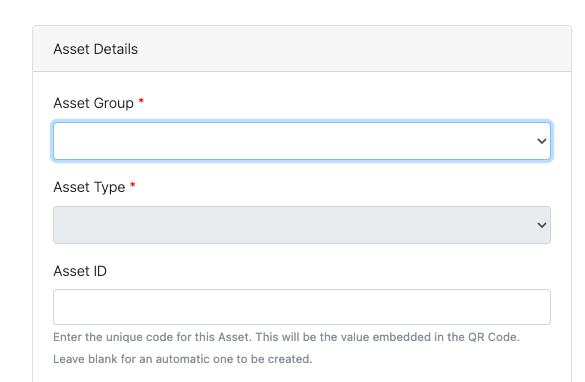
Now when adding assets to your asset register you will be asked to select an asset group first, before being asked to select the asset type.