You are able to disable and enable the need for a personal pin per user/contact through the gateway, per site.
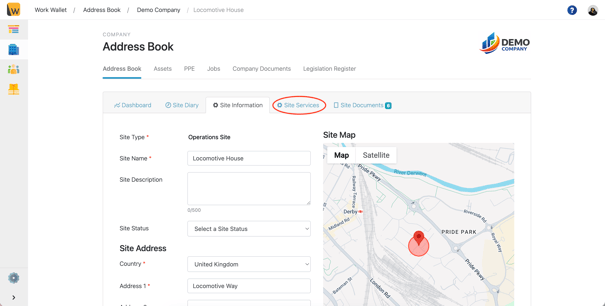
To disable the need for a pin go to Address book and find the site you want to disable personal pins for. Select the site and naviagte to the site services tab.
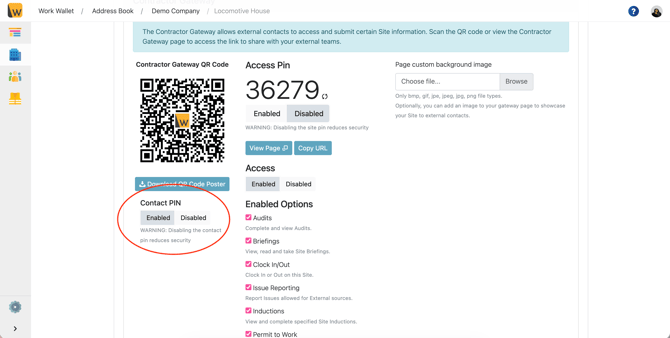
Scroll down and just below your gateway QR code, is the enable/disable toggle.
(Below shows the contact pin as enabled)
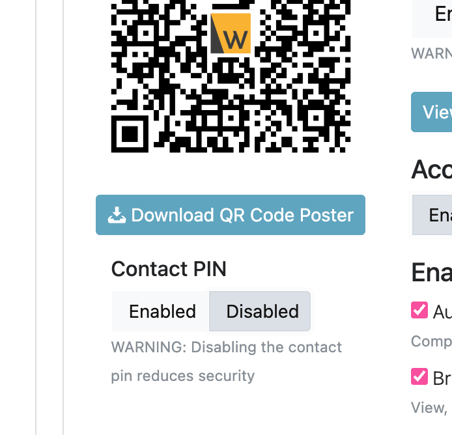
Selected the disabled option:
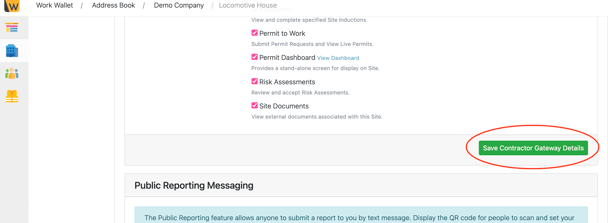
Finally click the green 'Save Contractor Gateway Details' button.