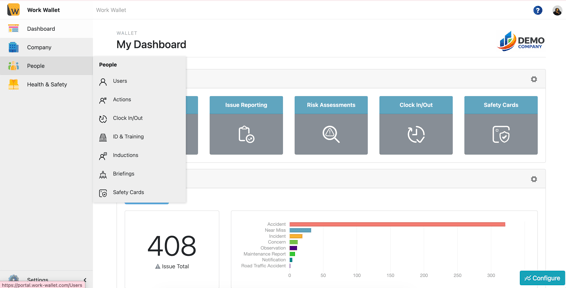
Once your logged into the portal toggle to People - Safety Cards.
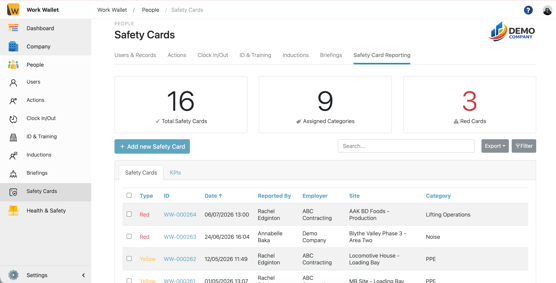
Select the safety card or search for and select the safety card you'd like to action.
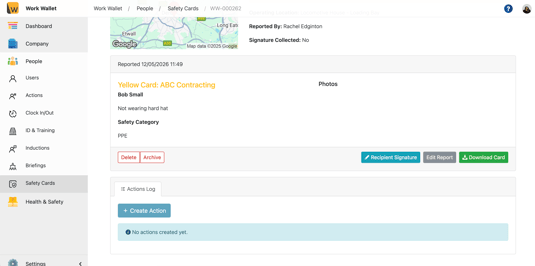
Scroll down to the bottom of the page and select create action.
It will then bring up this box for you to complete to raise the action.
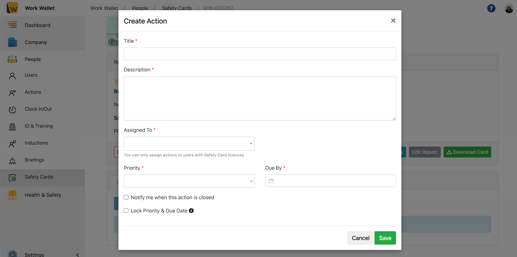
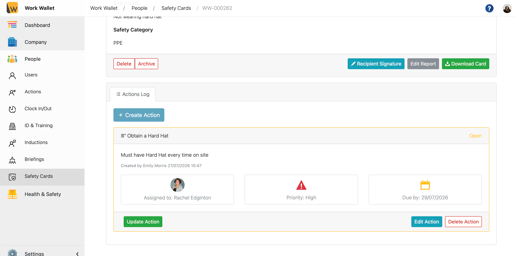
Once you have filled in the relevant fields it will show up on the safety card.