
In order to edit a published issue category workflow you need to select the blue box View Draft Version.
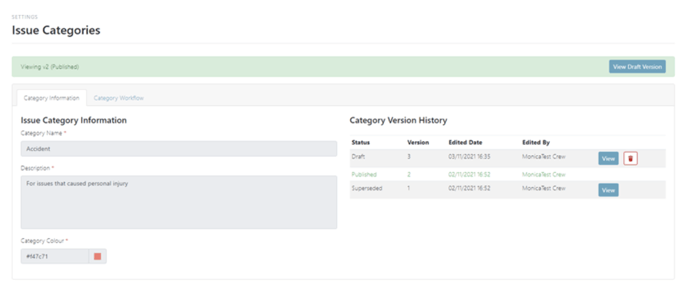
You will then be presented with the draft version of the Issue Report Workflow which will then be editable once you click on the tab Category Workflow.
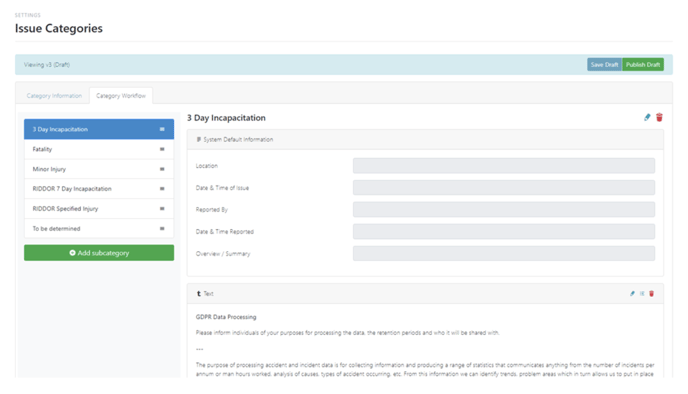
Once you have made the changes to your workflow select Publish Draft which will then save as a new version.