To assign PPE go into Company > PPE via the portal
(https://portal.work-wallet.com) :
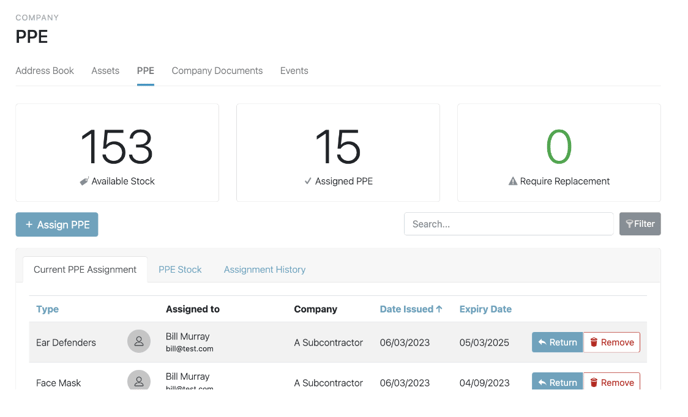
Select 'Assign PPE' :
The Pop Up will prompt to select a Company, then it will bring up the Users listed to the Company selected: 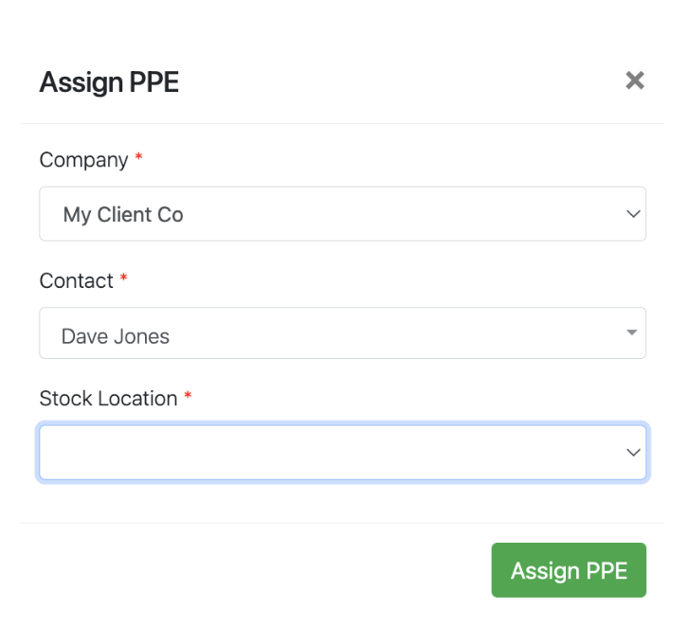
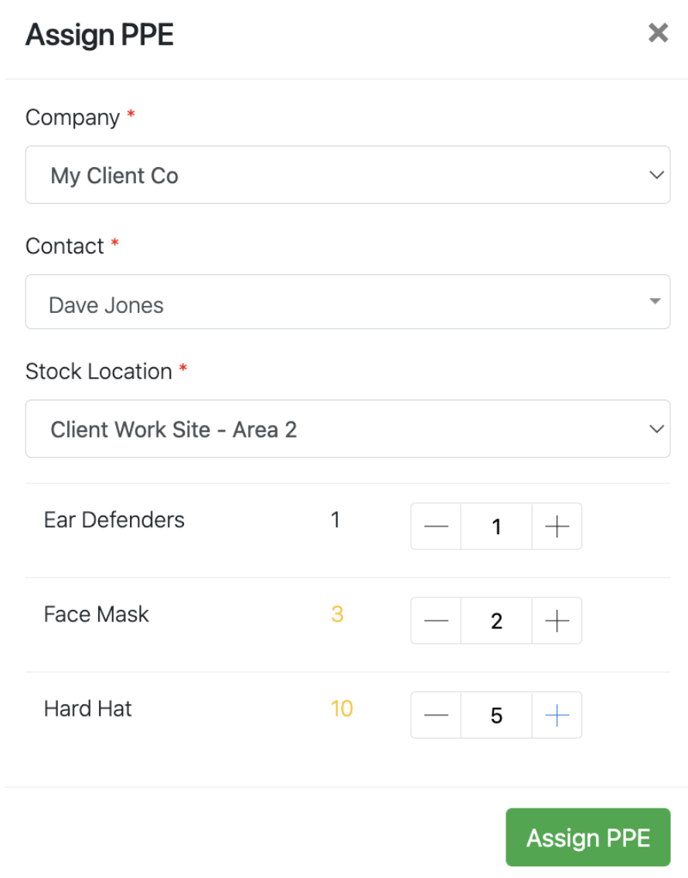
You then need to select the Stock location, the pop up will automatically pull through all available PPE and a stock count too, you can then select the type of PPE and the amount you wish to allocate:
Once assigned, the Current PPE Assignment list will update automatically, along with the headline quick view statistics at the top of the page:
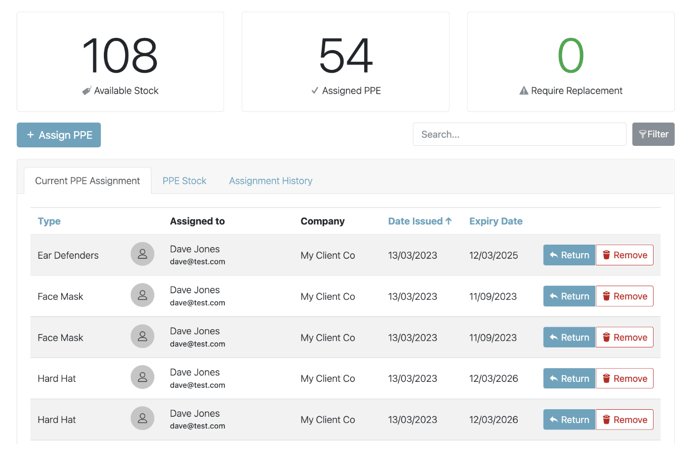
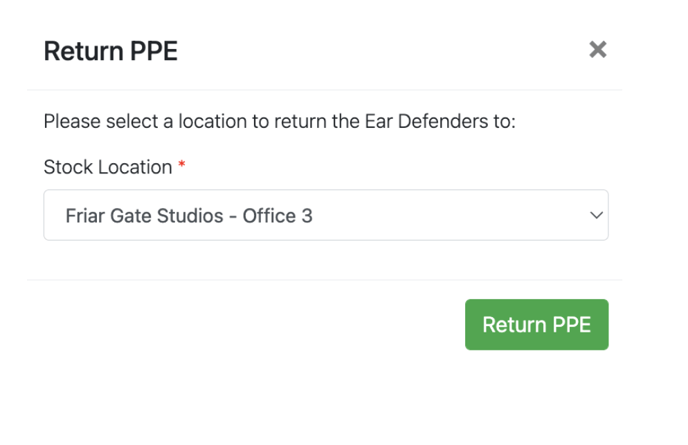
You are also able to Return stock back to its location should you not require the numbers added or added in error by selecting 'Return' against the item in question:
The pop up will automatically populate the stock to be returned to the location it was taken from: