
To access the Asset pages of the portal, select Company from the left hand navigation menu. This will bring up the Company Section.
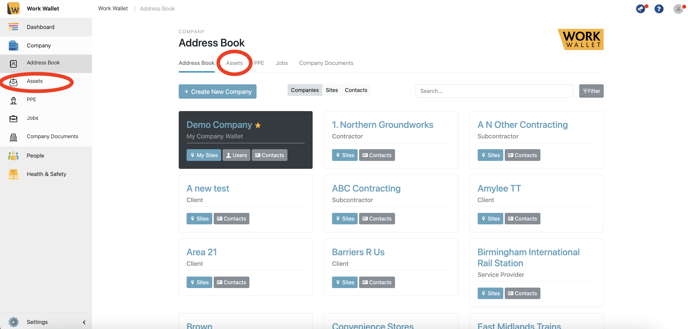
Select Assets, this will load the Assets page.
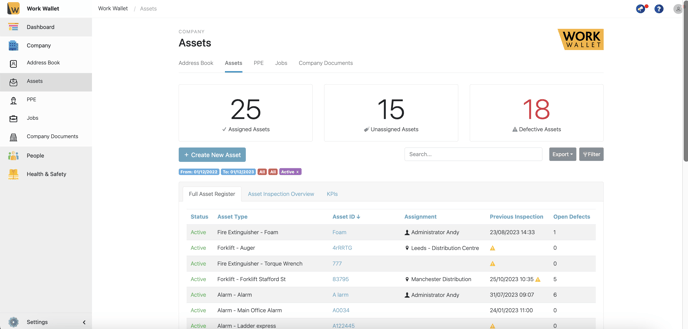
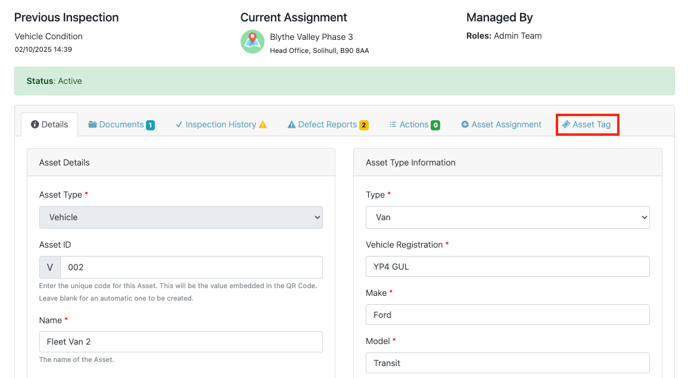
Click the Asset ID of the asset you wish to assign. This will bring up that Asset’s page, next select the Asset Tag Tab.
This will load the Asset QR.
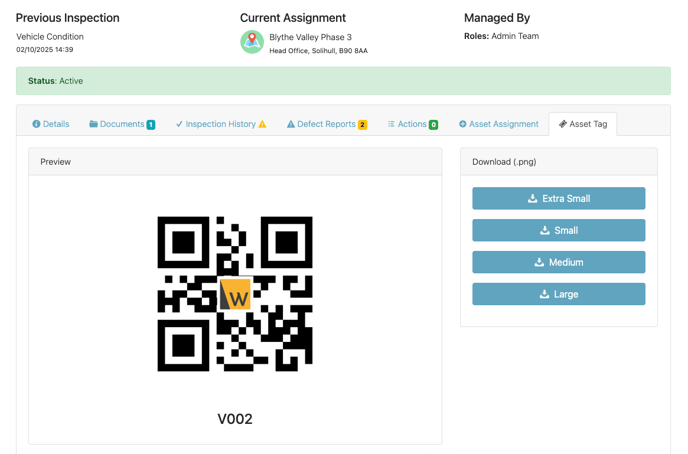
You can download the QR in a range of sizes ready to print.