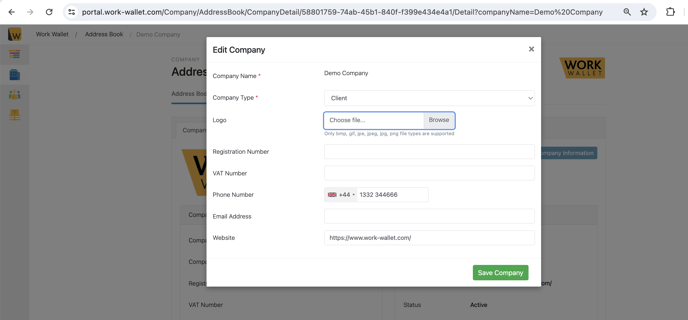
To start off we need to be in our address book, to do that, select 'Company' >'Address Book'
Then select the company you're wanting to add a logo to, for this example we will be adding a logo to Demo Company, so we need to select the blue text that says Demo Company
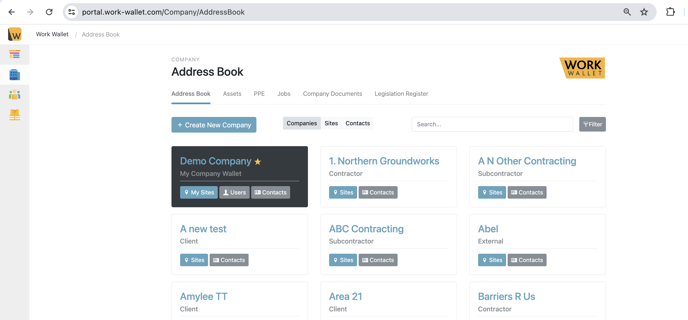
Then we need to select Edit Company Information as circled below.
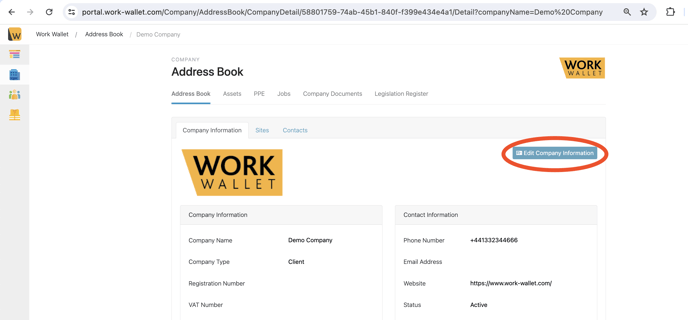
That will then bring up the following page, select browse to find your logo from your desktop device, once attached make sure that you select 'Save Company' in the bottom right corner.