
To add/edit an inductions content, first select the induction from the induction tab, which can be found on the People page.
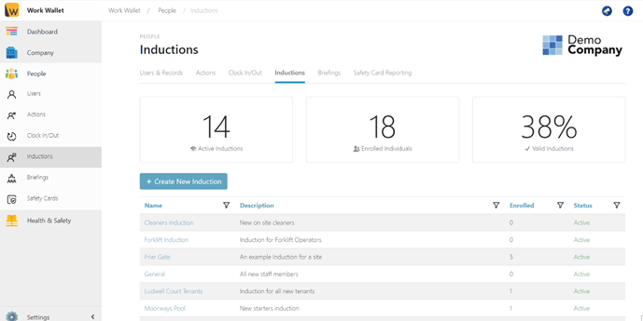
Click on the name of the Induction that you want to add to.
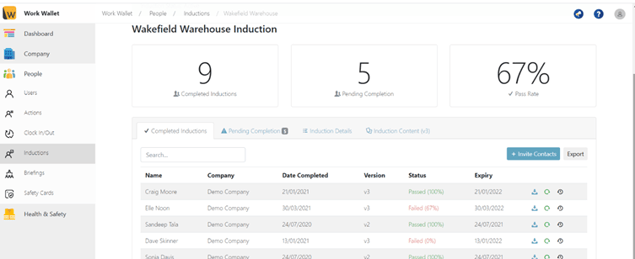
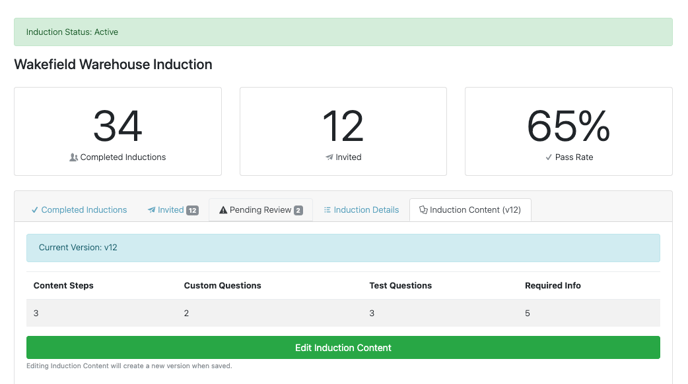
Click the Induction Content Tab and then click the green Edit Induction Content button.
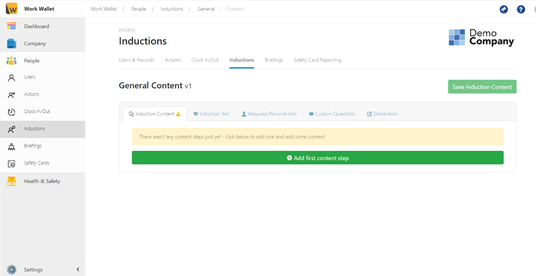
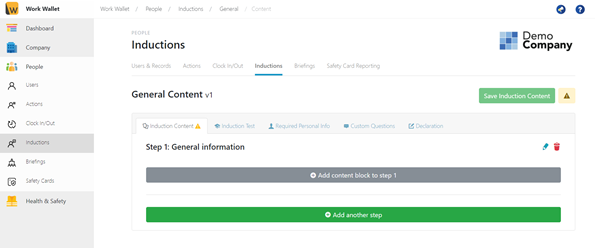
To add a new step click Add First Content Step/Add Another step.
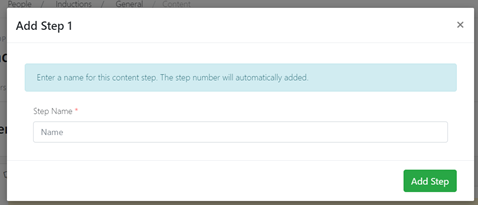
Give the Step a name and click Add Step.
To add a content block Click Add Content Block.
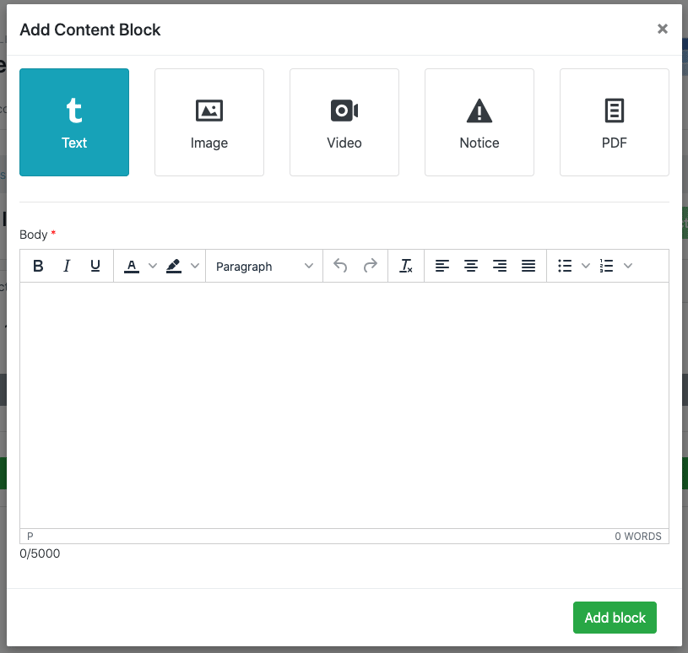
Select the type of content block you require: Text, Image, Video, Notice or PDF. Then, complete the fields and click Add block.
Once you are happy with the content click Save Induction Content.
You can find out how to add a test to your inductions here.