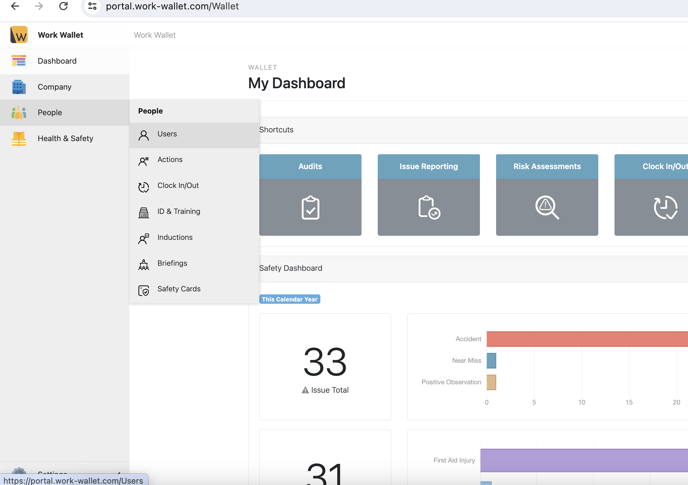
To access a user's details go into People > Users then find the user you are wanting to add / change the PIN for.
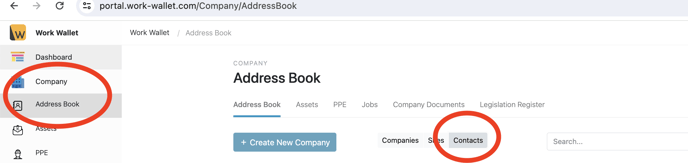
To find a contact, go to Company > Address book > Contacts
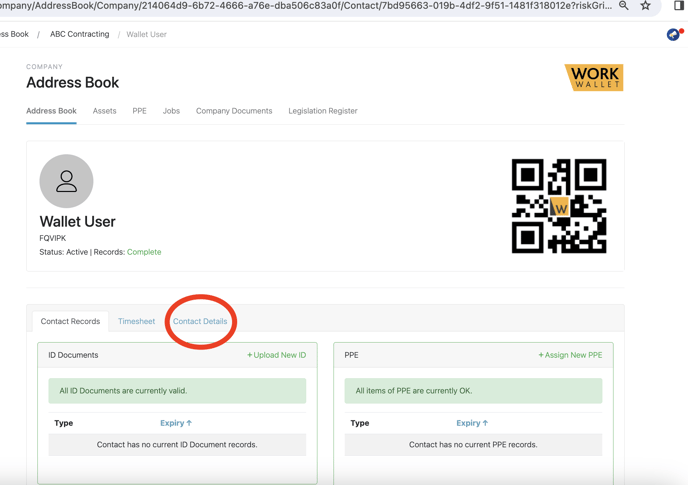
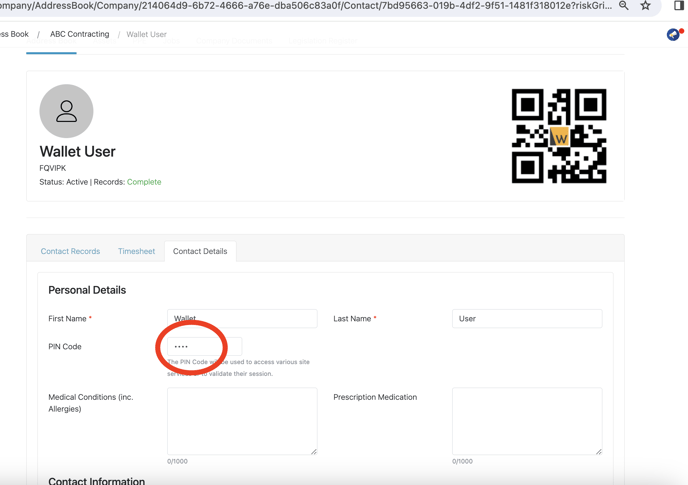
With contacts and users, the page will look very similar, below we have contact details, for a user it will be user details, adding or changing their PIN is the same process.
Within the highlighted circle is a currently assigned PIN to the user, to edit it select in where the dots are and remove the number, then re-type a new PIN.
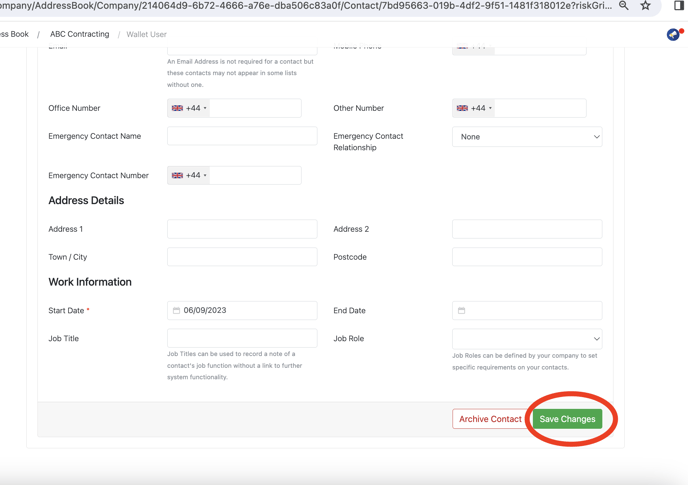
Once completed and satisfied with the change ensure you click save at the bottom of the page for changes to take place.