
To create the ID Types and their variants, select the settings cog at the bottom of the left hand navigation panel :

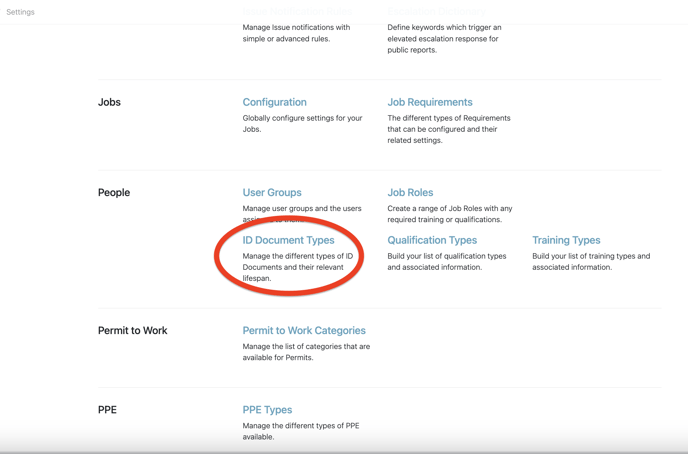
Then select ID Document Types :
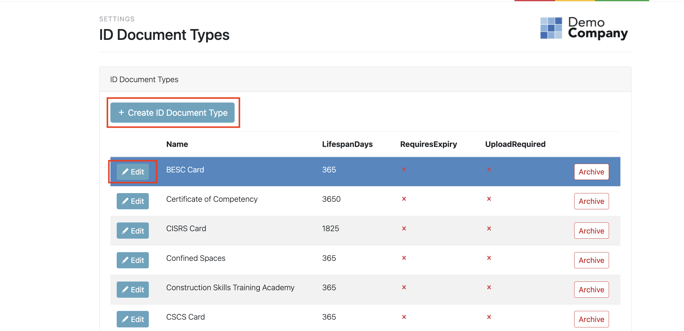
Here you are able to create a new ID Document Type, or Edit a current Type :
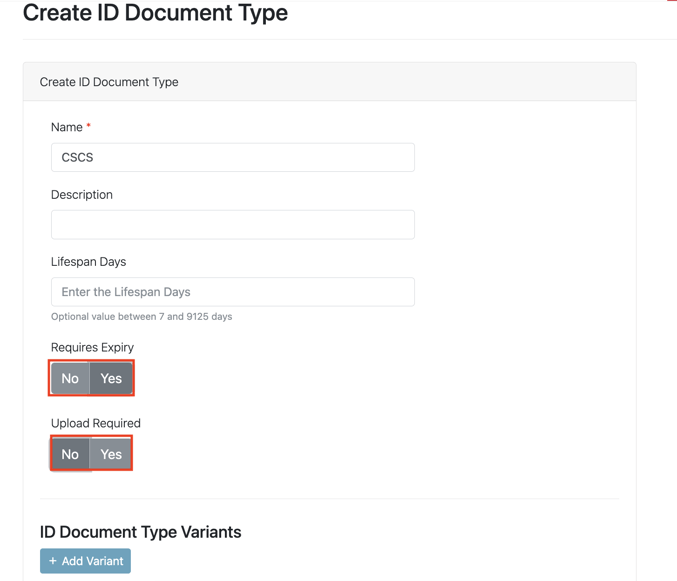
When creating a new type simply add the Name of the ID, you can mandate wether or not the Type requires an Expiry and whether the persons uploading needs to supply a image of the ID :
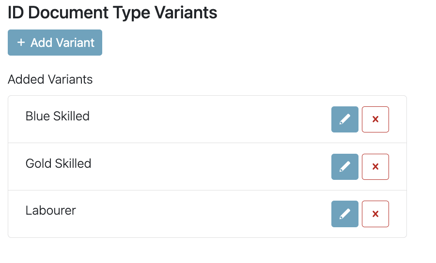
You are then able to go on to create Variants of that Type :
Select + Add Variant

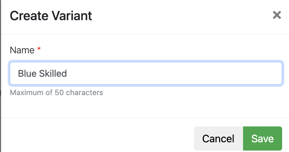
Select Save once you have added the variants:
Now when users and contacts are uploading their ID, they will be asked which Variant.