
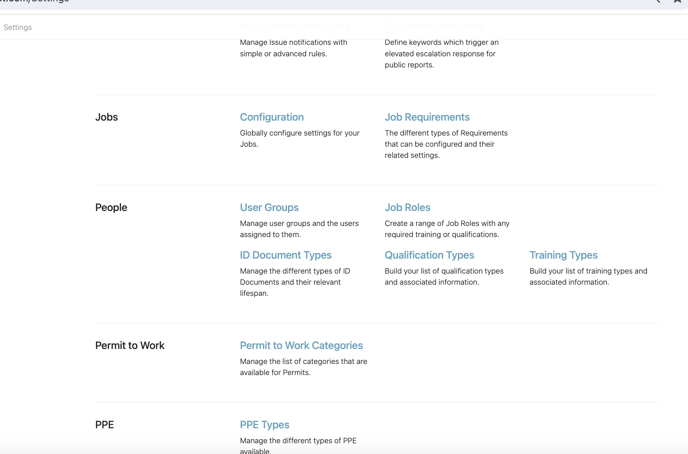
Start by going into your Work Wallet settings and select Training Types within the People section.
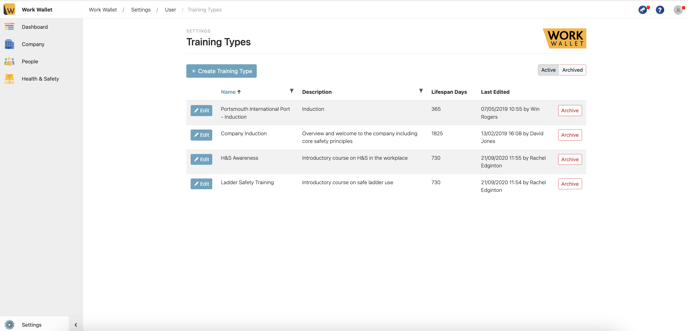
Then select Create Training Types
Here you will need to insert a name, description, a lifespan of how long this training will last and whether an expiry of the training type is required, or evidence of this documentation is required by selecting upload required.
Variants of a Training / Qualification Type are relevant to those that may have multiple versions of it, for example, Level 1, Level 2 etc
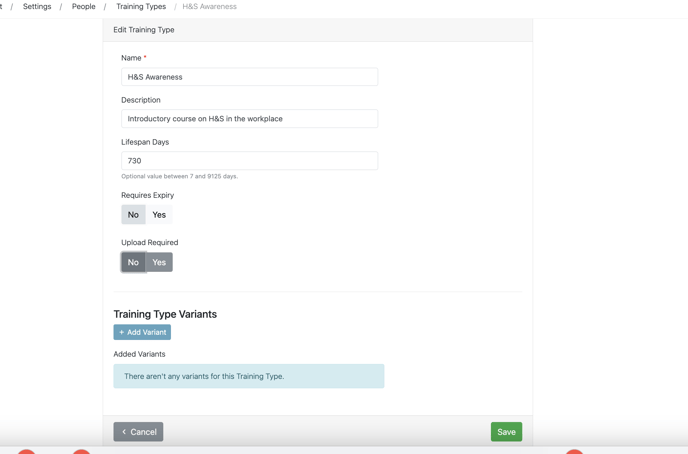
Once you have filled in all the relevant fields, ensure that you save and you're done.
The process for creating a ID Type or a Qualification Type is the same as a Training Type within the same category on the settings page.