Please note you will require to have Wallet administration access and the feature is only accessible via the Work Wallet online portal.
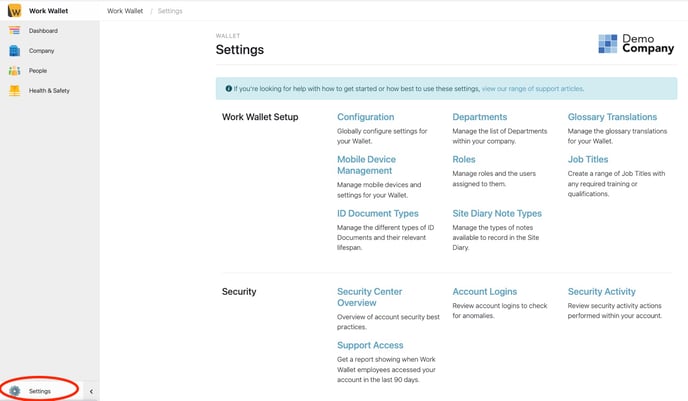
Select the settings cog from the left hand navigation panel :
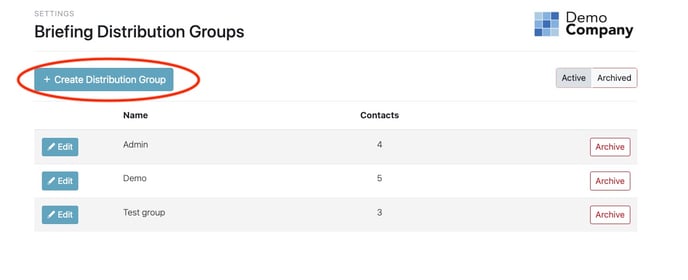
Scroll and find 'Briefing Distribution Groups' :

Select '+Create Distribution Group'
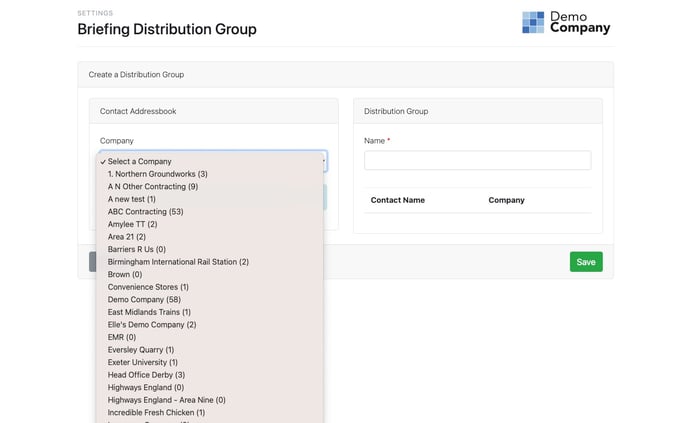
Select a company to see the associated contacts :
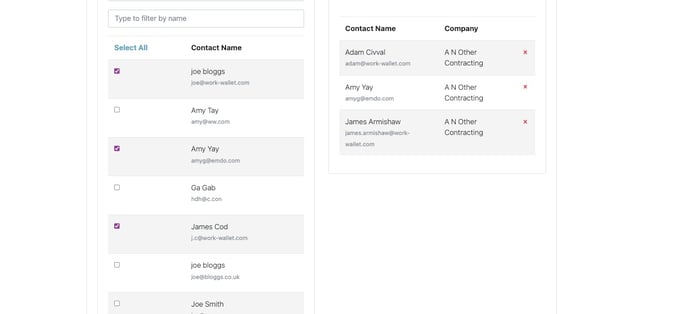
Select the contacts you wish to include in your Distribution group:
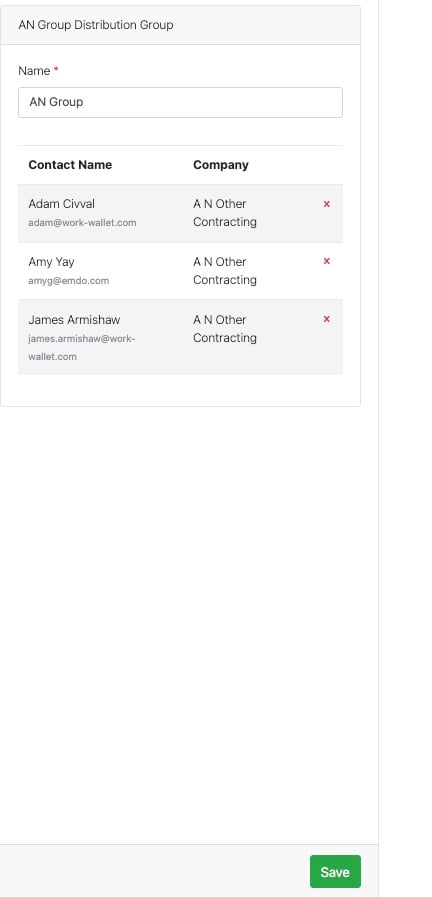
Name the Distribution group, and select save.