
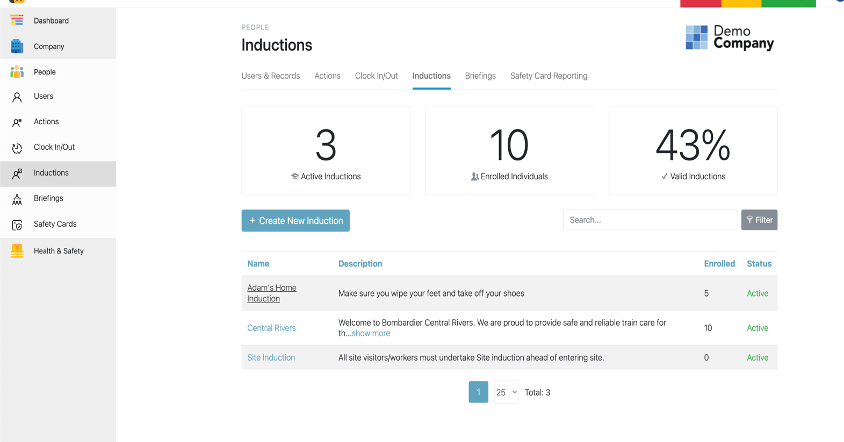
To enable the review for current inductions go into Inductions via the left hand navigation panel, select People > Inductions.
Once in the view select the induction of which you would like to enable review :
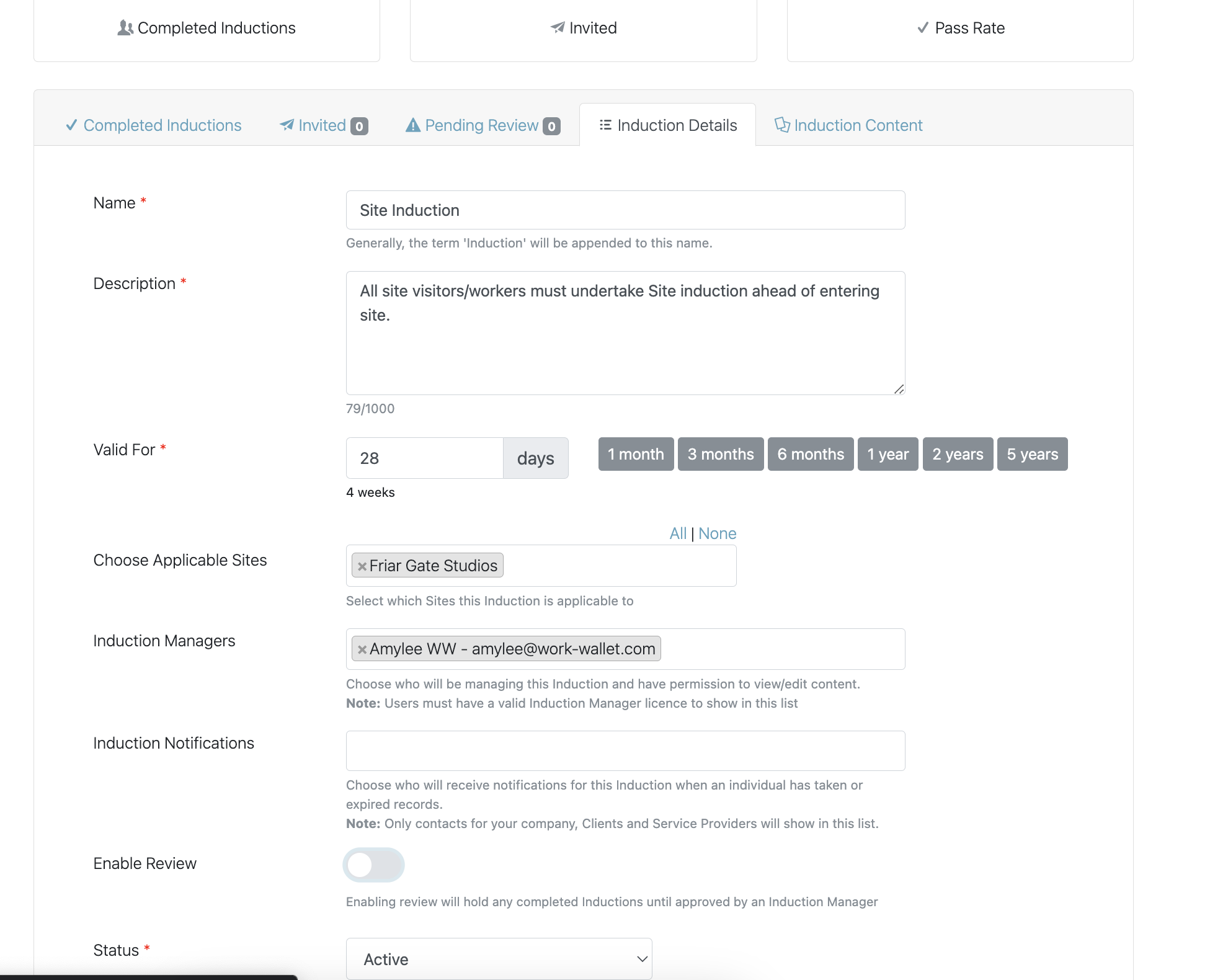
Once in the applicable Induction, select the Induction Detail tab:
In this view you are able to enable Review :
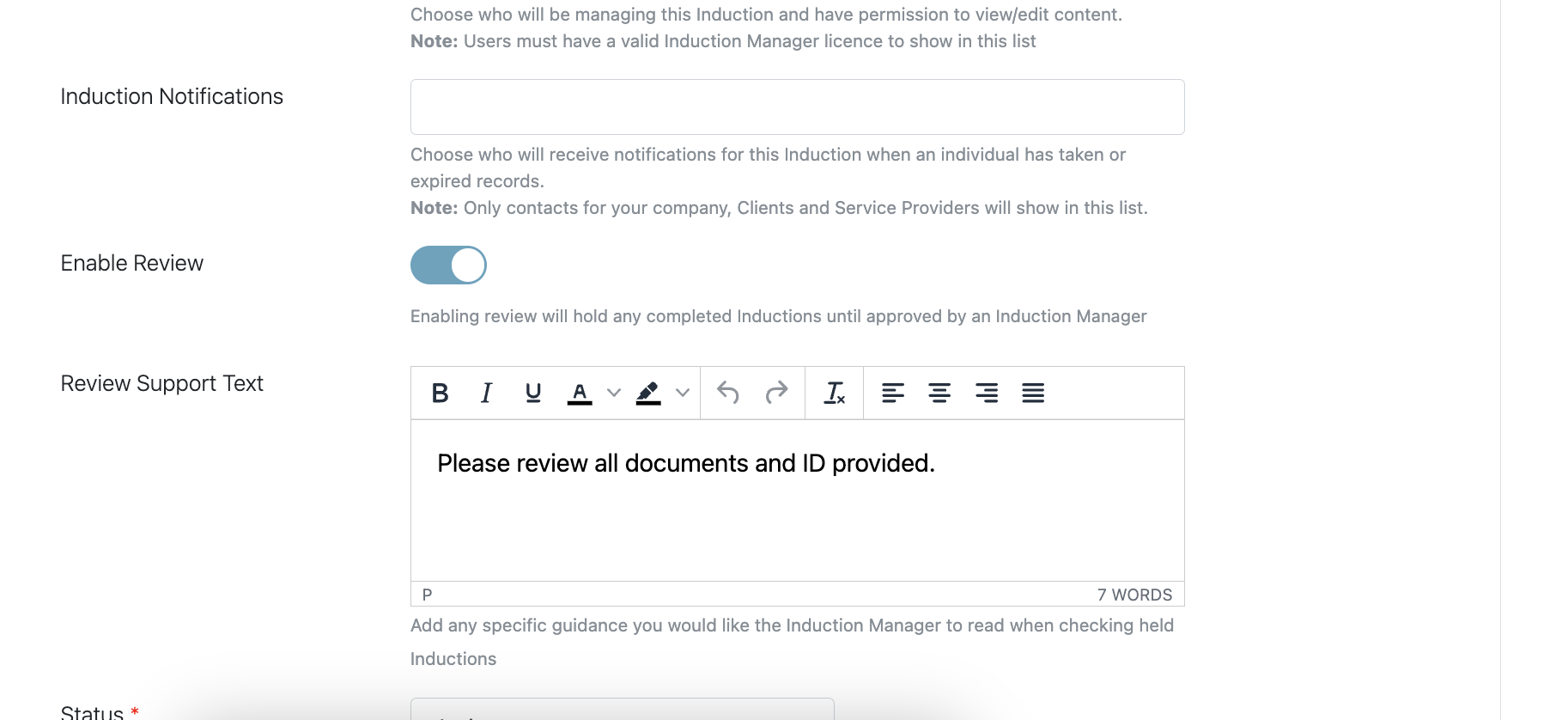
Once enabled, you can provide support text to give guidance :
Select 'Save Induction Details'
