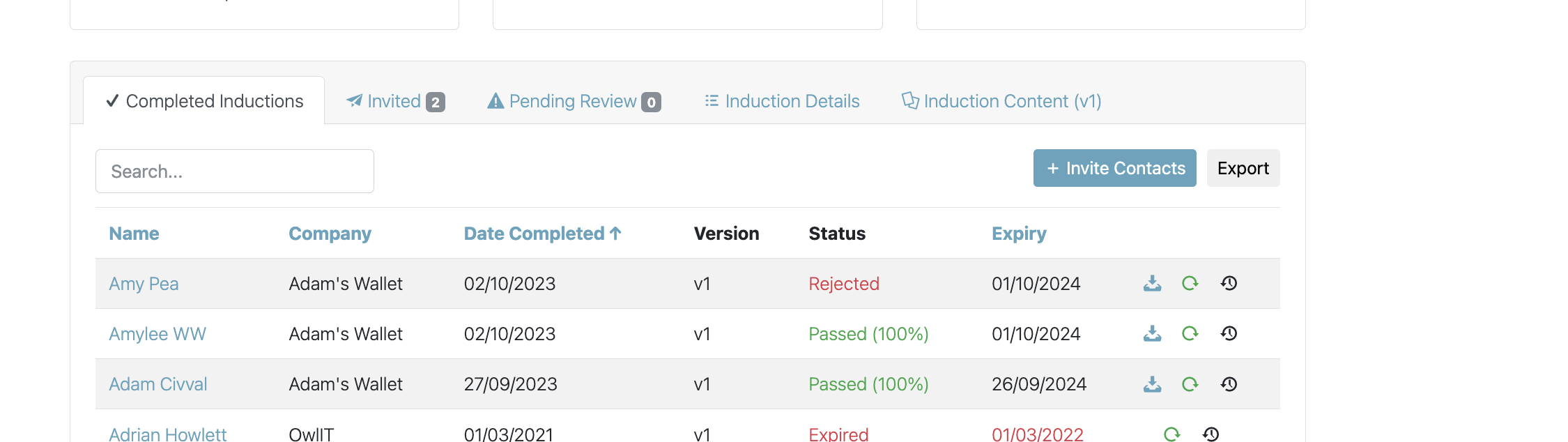
To review a taken induction go into 'Inductions' by selecting People in the left hand navigation panel, then Inductions, select the applicable induction :
Select the 'Pending Review' tab:
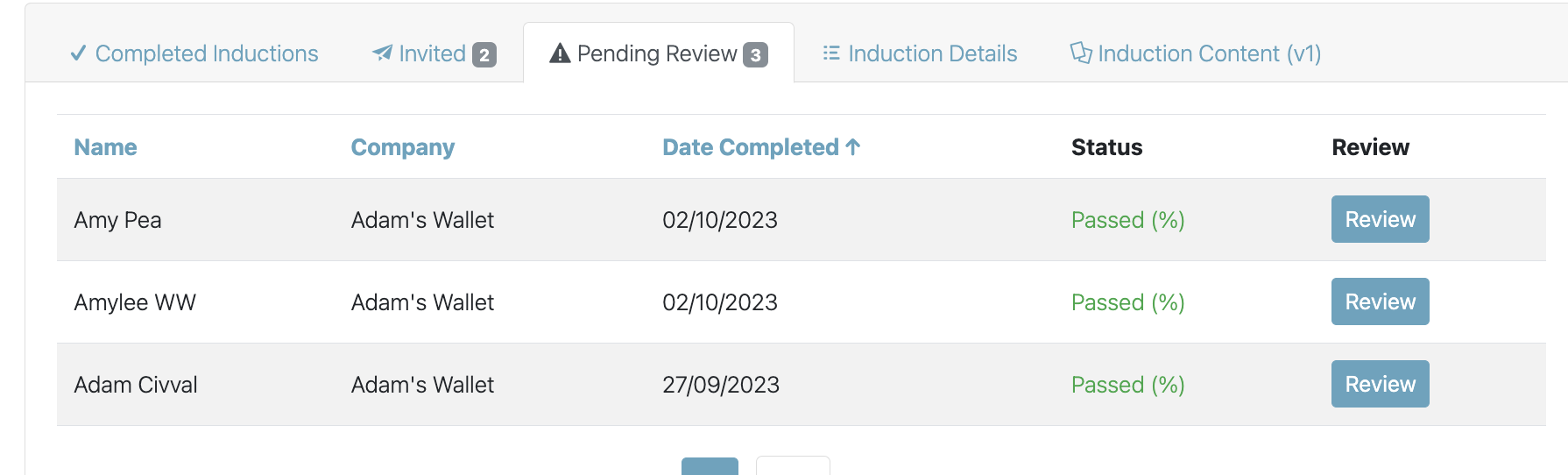
Select 'Review' against the user you wish to review the induction of :
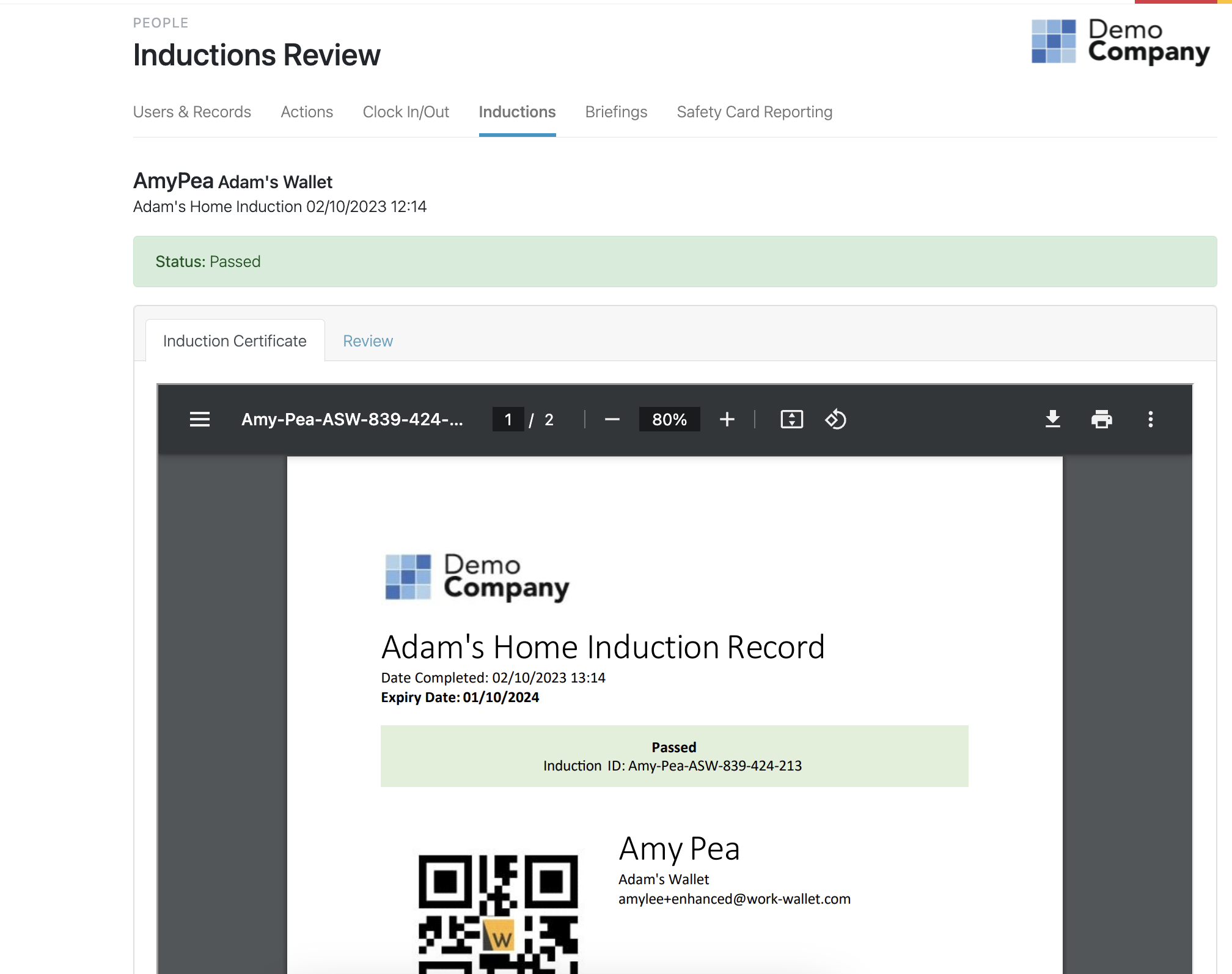
Here you will see the Induction record document for review, once you are happy to review, select the 'Review' tab:
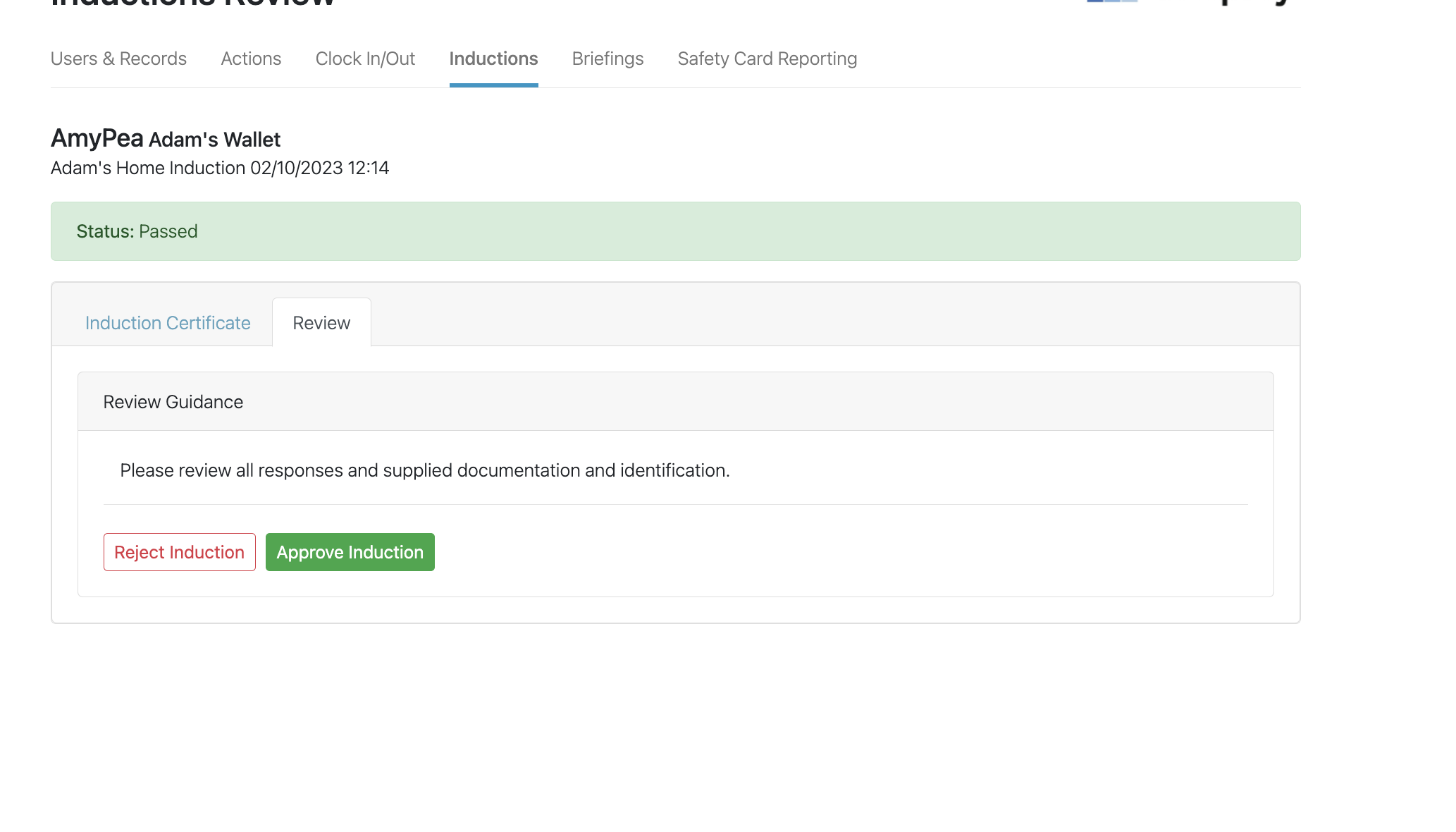
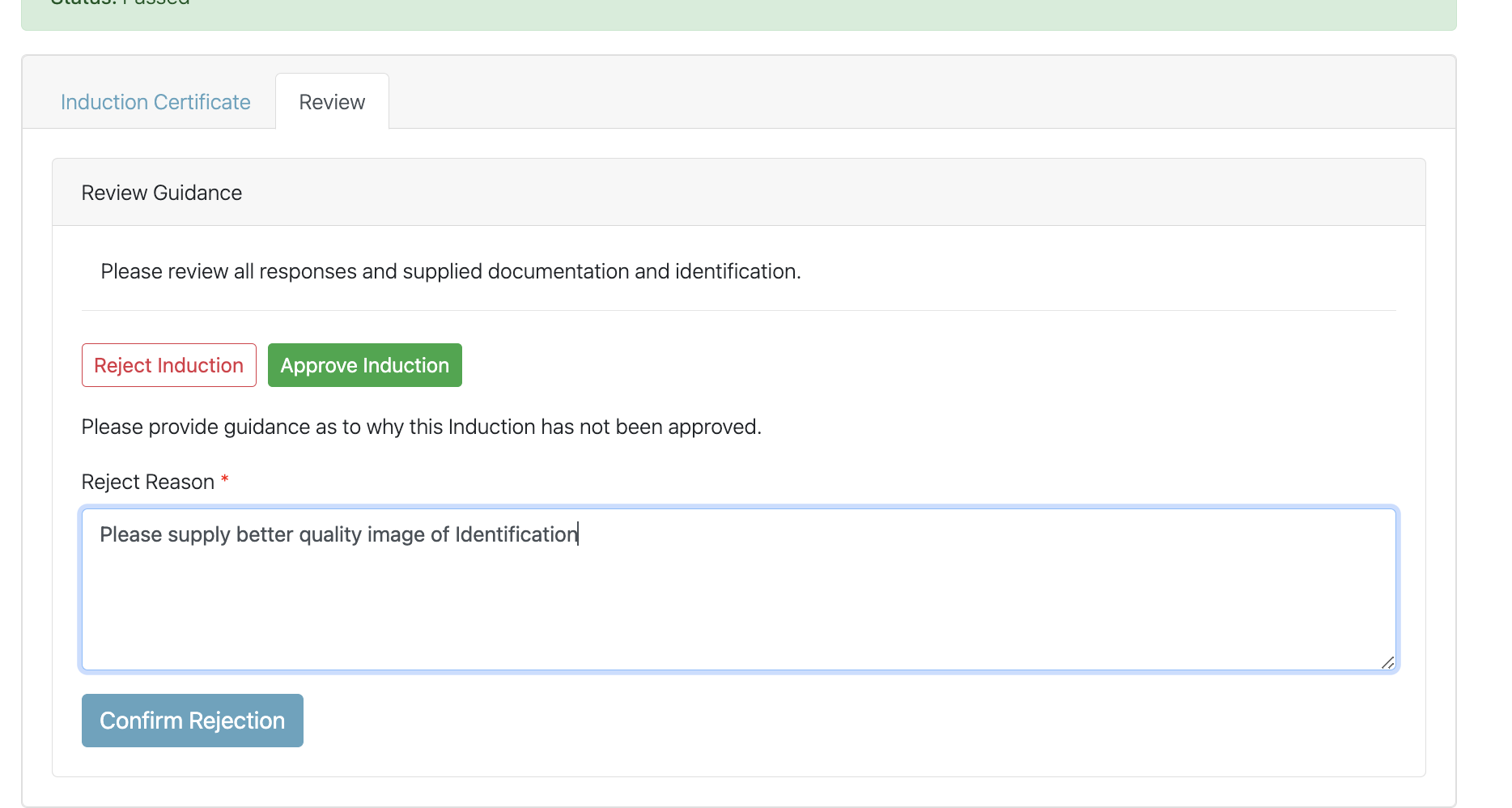
Here you are able to either approve or reject the induction:
If you choose to reject, the system will ask for you to provide reasoning :
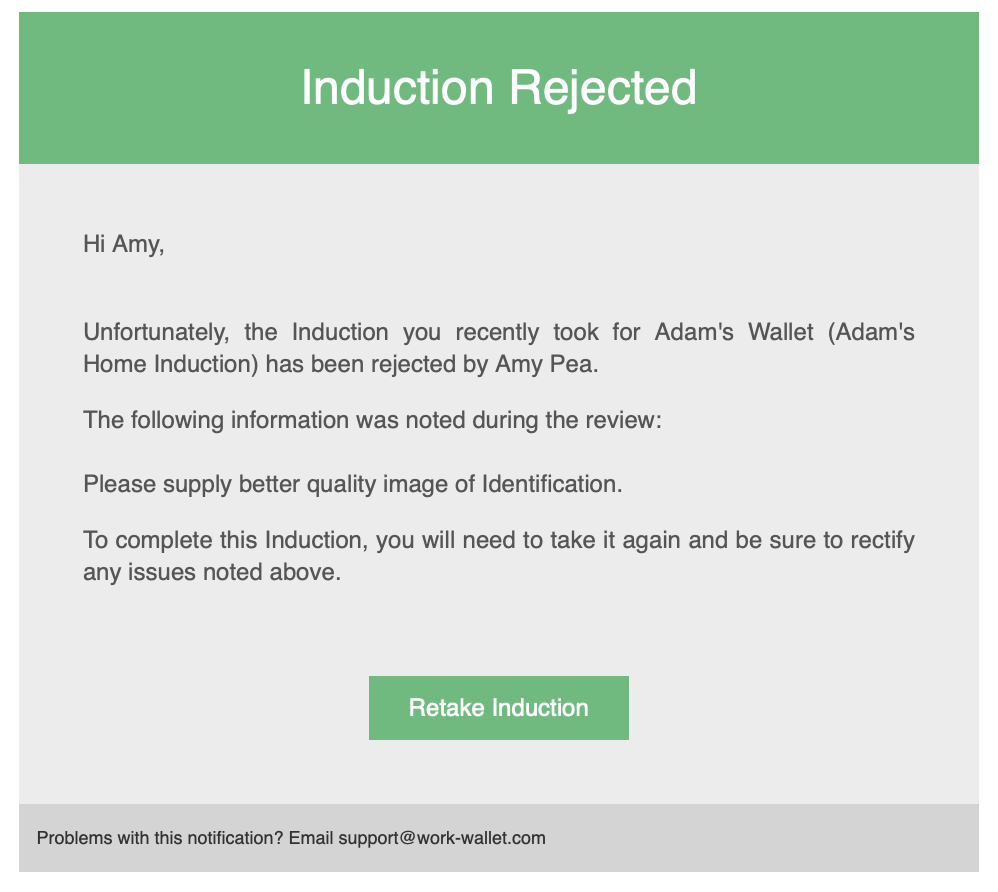
The user in question will then receive an email to detail :
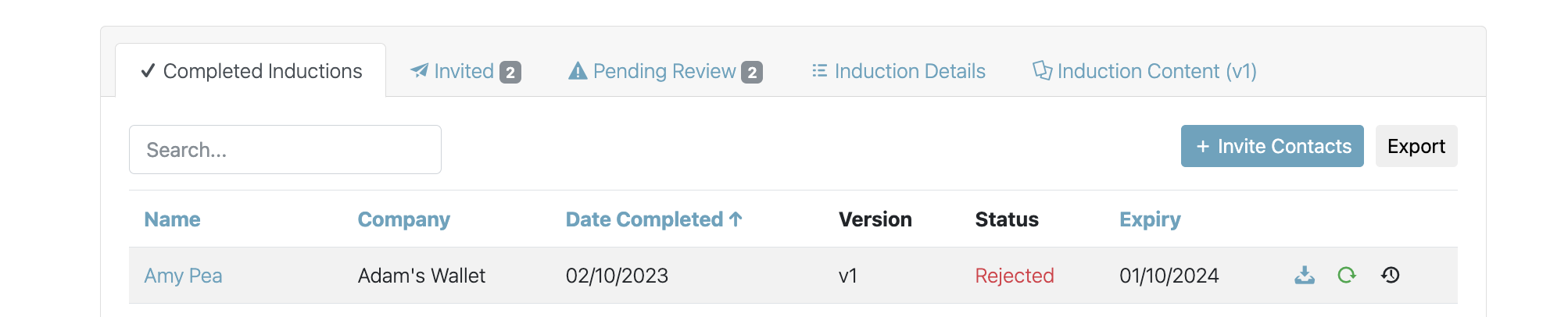
The system will also display against the user the rejection :
When approving an induction the system will prompt: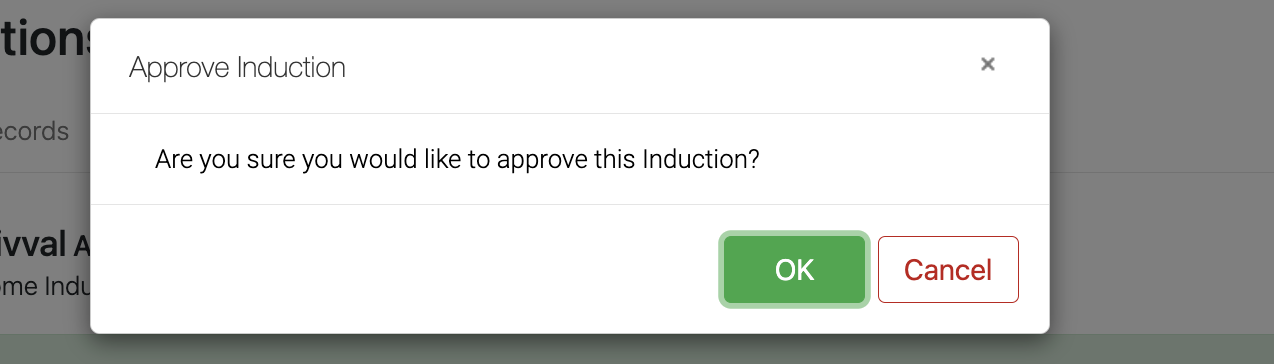
Once approved, the record of the user will show in the Completed Inductions tab :