
To set lone worker check ins at a General location, firstly go into 'Settings' via the settings cog on the left hand navigation panel.
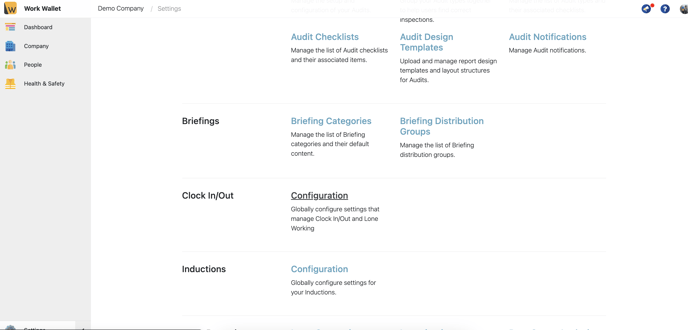
Scroll to find 'Clock in/Out' and select 'Configuration'
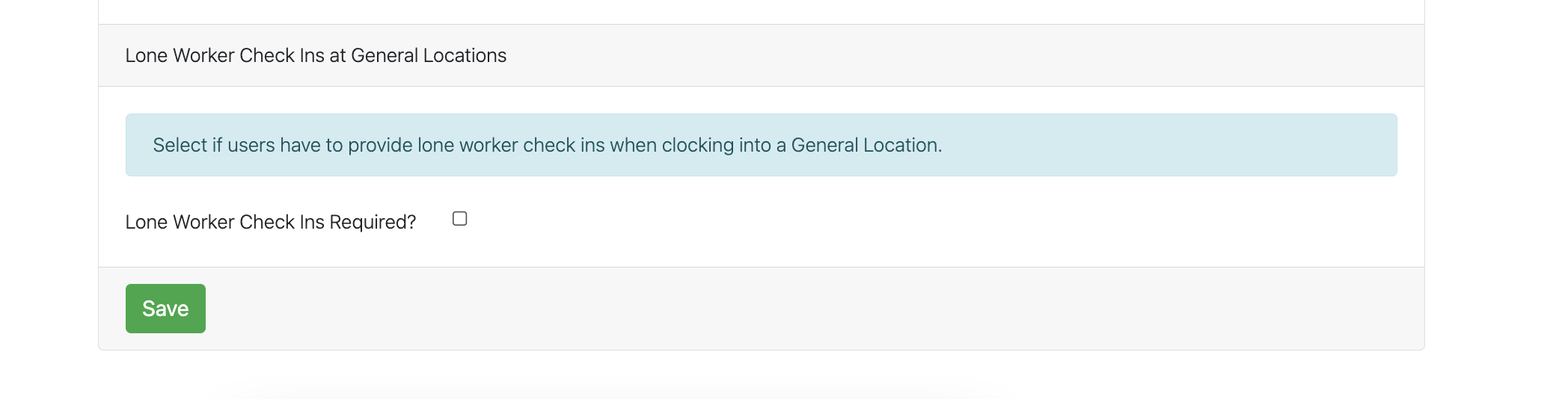
Here you can enable Lone Worker check ins at General Location
Once enabled, you can then set the Check in intervals :
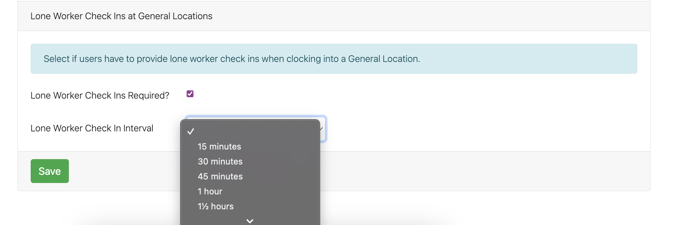
Once set, select 'Save'