To configure how close someone needs to be to a site in order to clock in, start by accessing the 'Settings' menu through the settings cog on the left-hand navigation panel.
Scroll to find 'Clock in/Out' and select 'Configuration'
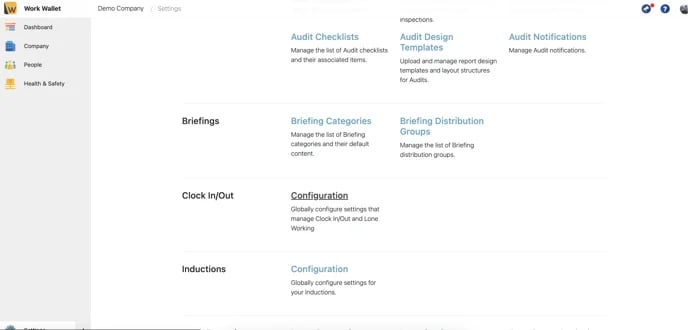
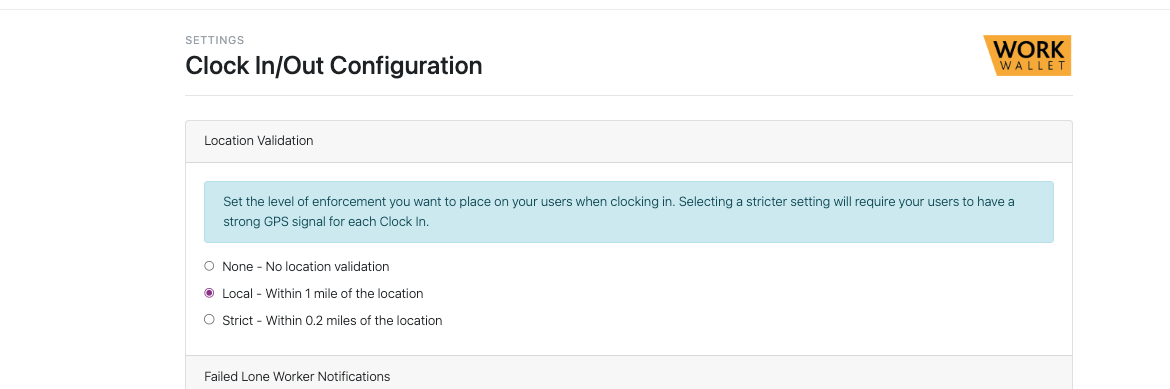
(Local validation mandates the distance a user can be from a location in order to clock in)
Immediately on this page you will see 'Local Validation', select the level of enforcement you would like and select save:
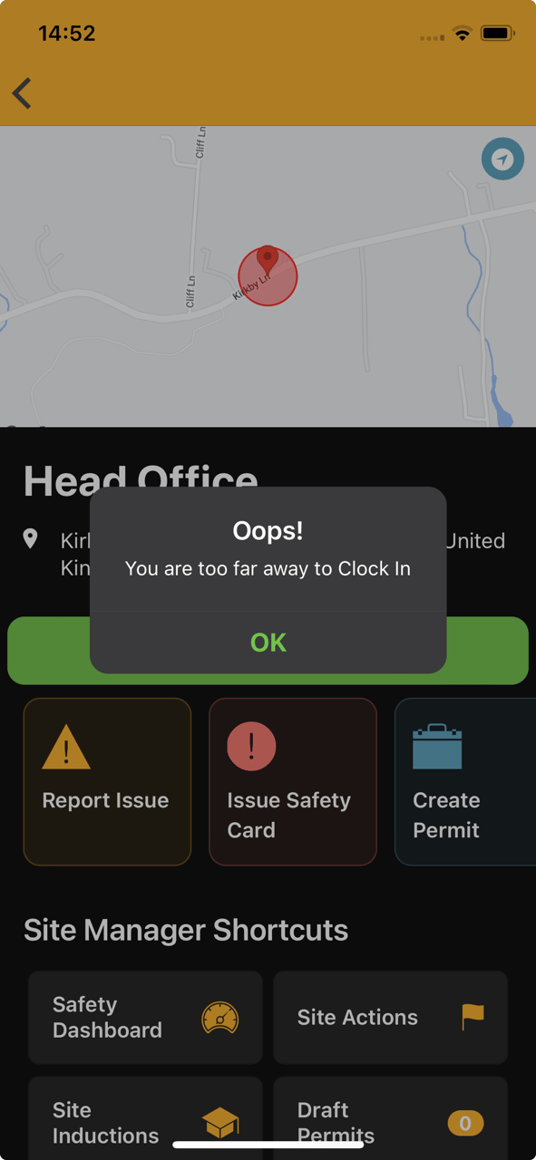
Once set, if users attempt to clock in outside of the validation restriction, they will be faced with the following: