
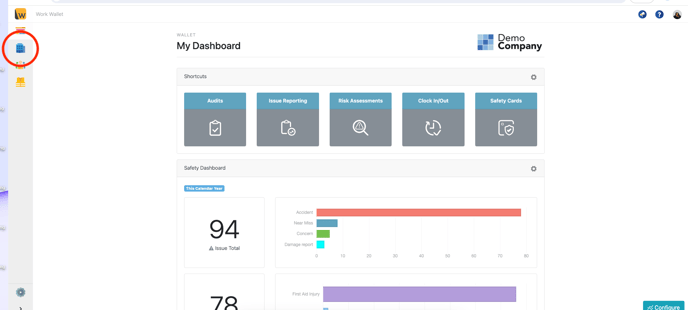
To set a user as a Site Manager first go to your Address Book page on the portal:
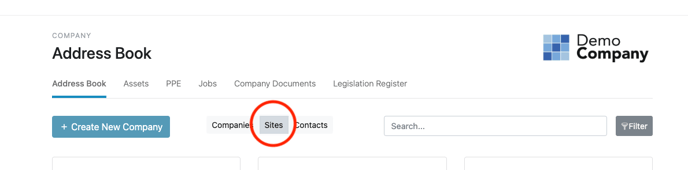
Then toggle to the sites display:
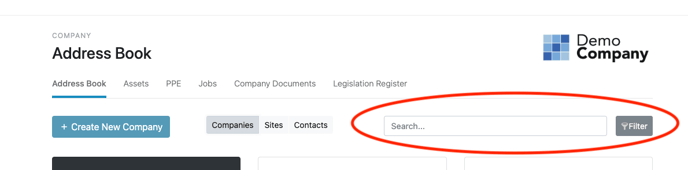
Next search for the Site you would like to add your Site Manager/s to:
Select the site details button to take you to the Site page, on the Site Information tab scroll down to the Advanced section and click Show / Hide:
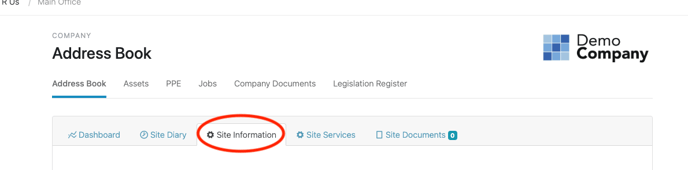
Then scroll down to the advanced section and open the advanced (show:

Add the relevant user/s to the Site Managers field: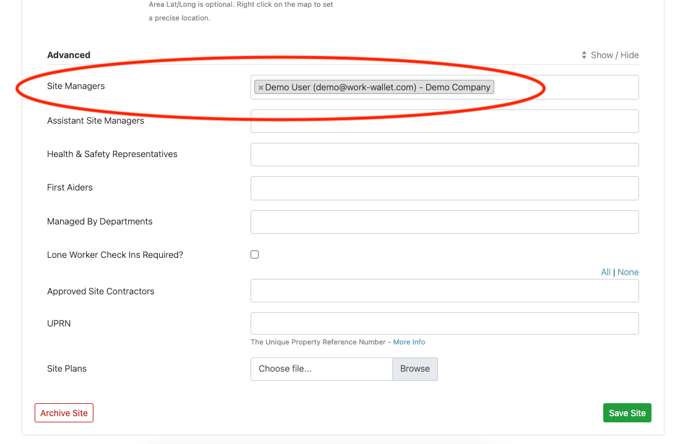
Once you've added the relevant user/s, the scroll to the bottom and click save.
(Please note you will need to be set as a Site Manager, an Enhanced User or a Wallet Admin to be able to access/change this information.)