
Please note only users set as a site manager for the site or Wallet Admin users can view Active Clock Ins.
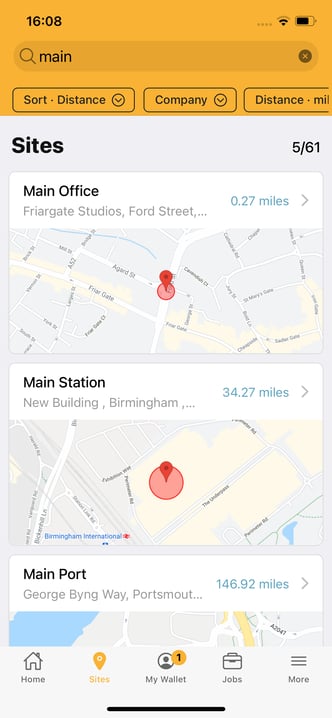
From your app select the site page. Then click on your site from the list:
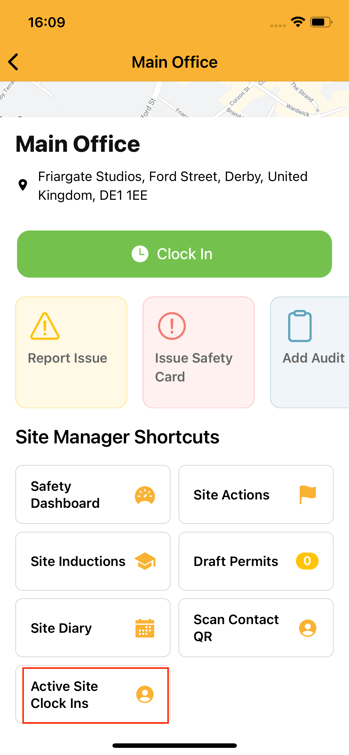
On your site's page you will see Site Manager Shortcuts. At the bottom of these is Active Site Clock Ins:
Click on this button to view the contacts and users currently clocked into your site:
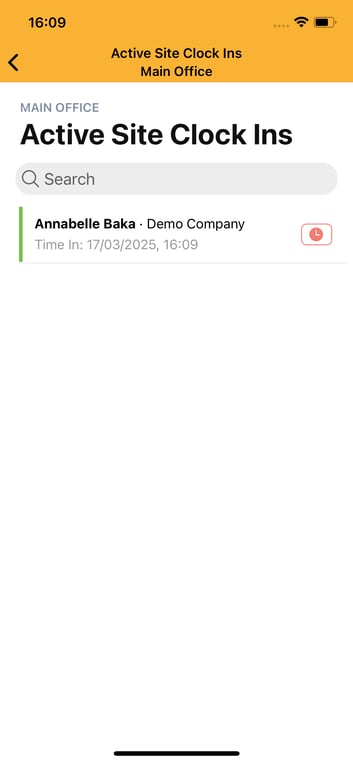
You can clock someone out by clicking the red clock symbol next to their name.