
To manage you user(s) Licences, you would require Wallet Administration Access.
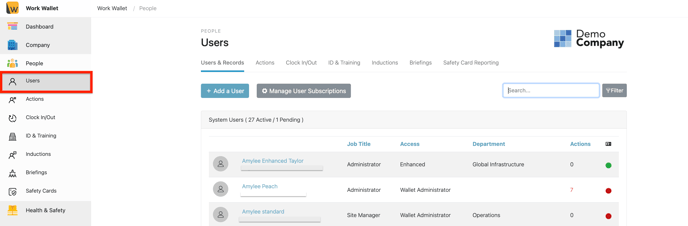
Select People > Users on your left hand navigation Panel :
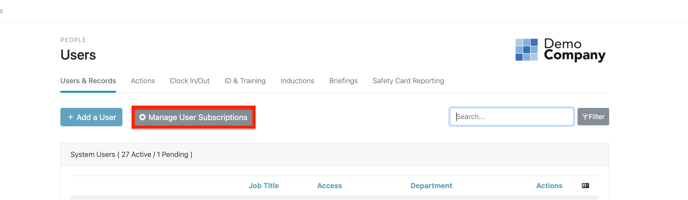
Select 'Manage User Licences'
You are then able to see your Wallet Users and their current Licence Allocation:
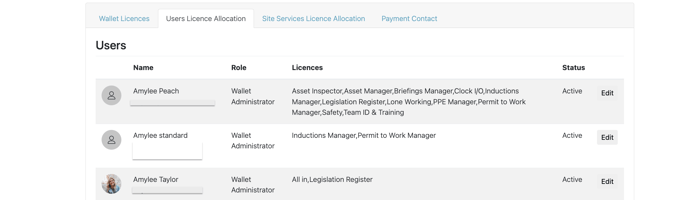
Select 'Edit' against the user you would like to add a licence too :
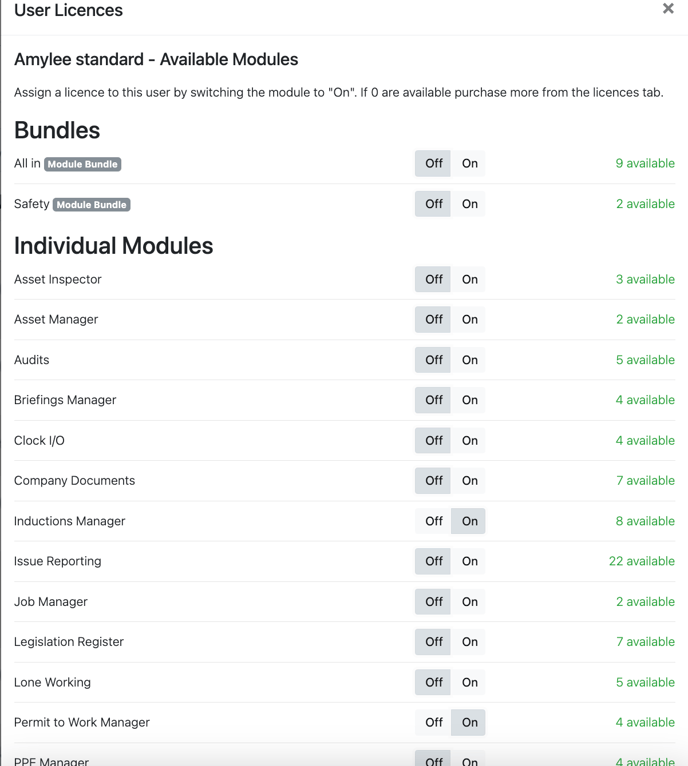
Then turn on the licences you wish to add and select 'Update User' this will then update the user account and they will then have access to the modules of which you have provided them a licence for.